No app required. Your PMS stays in place.
Turn every hotel room into a digital guest experience.
Place a hotel-owned TappDatta touchpoint in the room or property. Guests tap or scan it and instantly open the hotel experience you choose: Wi-Fi, amenities, dining, transportation, property information, and service requests. No app required.
What the guest can do from the room
Before talking about operational problems, make the experience clear: the room touchpoint opens one hotel-owned page for the information and actions the property chooses to provide.
Open hotel information
Give guests one place for property details, Wi-Fi help, amenities, hours, and other information the hotel chooses to publish.
Find dining and amenities
Make dining, amenities, transportation, and concierge direction easy to reach from the room.
Ask for service
Let guests use configured actions for towels, housekeeping, front desk help, or other supported service requests.
Keep it current
Change supported information behind the same room card, sign, or placement without replacing the physical touchpoint.
Staff sees the request with context.
Each request can carry room, location, request type, status, and repeat details so staff can see what changed without losing the normal request lifecycle.
Operational request visibility
- Room or location context
- Configured service request type
- Status and handling state
- Repeat count and latest repeat time
- Normal, attention, or urgent repeat severity
Repeated active requests update the same service request instead of flooding the queue.
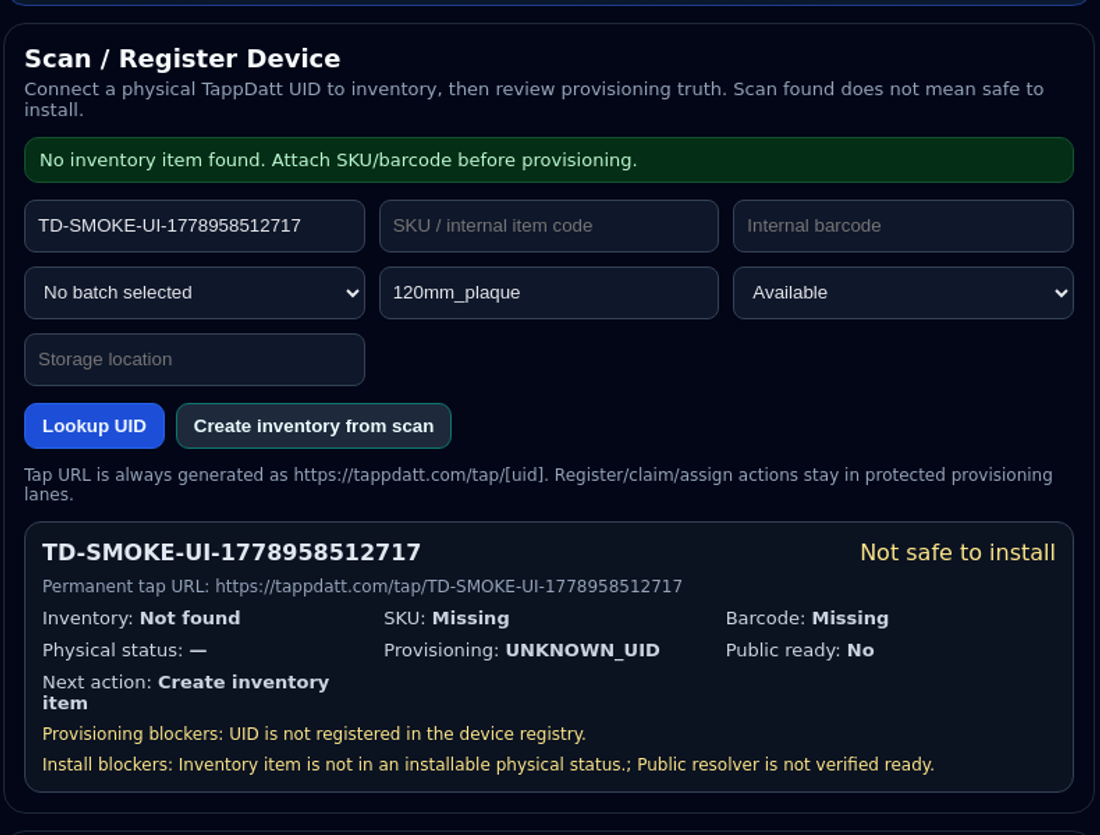
Hotel product proof: service request intake and repeat visibility
Replace paper room guides with pages you can update.
Hotels often reprint room information, amenity notes, Wi-Fi cards, and local recommendations. TappDatta keeps those details easier to update without replacing every room card or sign.
Fewer room-guide reprints
Keep room information, amenity notes, and concierge direction easier to update behind the same trusted placement.
Cleaner guest communication
Guests see one business-owned destination instead of piecing together printed notes, phone calls, and scattered instructions.
Seasonal updates without replacing every card
Refresh property details, amenity notes, and support paths when supported without redoing every printed guide.
Hotel teams can keep their current PMS and service workflow in place while TappDatta handles the guest-facing page.
How it works
Tap with TAPPDATT. Scan with SCANDATT. Powered by TappDatta.
1. Place the touchpoint
Place TAPPDATT NFC or SCANDATT QR touchpoints in rooms, guest areas, lobby spaces, or amenity areas.
2. Guest taps or scans
The guest opens the hotel experience with room or placement context already attached.
3. Staff handles the request
The request is routed to the hotel staff surface with context and repeat signal metadata if the guest asks again.
Hotel launch planning
Hotel deployments are launched with a guided review of the guest flow, touchpoints, and staff handling path.
Built for property guest communication
We will map the guest service flow, room or placement context, TAPPDATT NFC touchpoints, SCANDATT QR touchpoints, and staff handling before quoting final setup.
Setup, TAPPDATT NFC, and SCANDATT QR materials are quoted separately.
Plan Hotel LaunchWant to see it first?
Book a walkthrough of the guest request flow, staff visibility, room information path, and repeat request signal handling.
Request Hotel DemoFAQ
Does this replace my PMS?
No. TappDatta Hotel is a guest interaction and request layer. It does not replace your PMS.
Does it store guest PII?
The current hotel flow is designed around room, location, and request context rather than guest identity.
Can guests use QR instead of NFC?
Yes. Guests can scan SCANDATT QR touchpoints or tap TAPPDATT NFC touchpoints throughout the property.
What happens if a guest requests the same thing twice?
Repeated active requests update the existing request with repeat count and attention status instead of creating duplicate queue noise.
Can this support towels, front desk help, or housekeeping?
Yes. Those are the types of request flows the hotel experience is designed to support.